01Demo
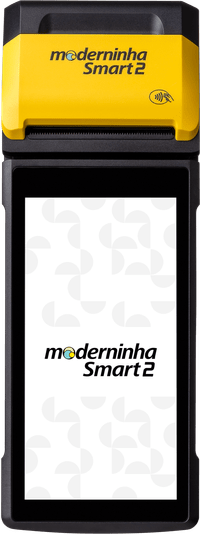
SmartPag POS on the card machine.
Click the card machine and make a sale. Each tap shows, beside it, what that button does.
On this screen
Sign in
Email [email protected] and password demonstracao are already in the fields. They belong to this scenario. You choose the rest.
Email
Identifies the establishment.
Password
The eye shows or hides what is typed.
Remember email
Marks the option to keep the email.
LOGIN
Opens the machine's menu.
Recover password
Opens the email screen. Send email asks for the code. Back returns to sign in.